
Who this is for
This guide is for SEO managers, website owners, developers, and agency teams who want to improve website quality using enhancement suggestions surfaced by Site Audit and Google Search Console (when available).
Prerequisites
- A Wranker project has been created for your website.
- At least one Site Audit has completed.
- You have access to the Site Audit module.
- Google Search Console may be required for some enhancement recommendations.
- Task creation permissions are required to assign enhancement work.
Some enhancement suggestions depend on connected services such as Google Search Console and completed audit data.
Where to find it
- Open SEO from the left navigation.
- Select Site Audit.
- Open the Enhancements tab from the Tab Index or top navigation.
If you manage multiple websites, make sure you've selected the correct project before reviewing enhancement suggestions.
What you'll see
Enhancements Overview
The Enhancements page displays optimization opportunities together with priority indicators, filters, implementation guidance, and task management actions.
Available actions
- Review enhancement recommendations.
- Filter by priority or recommendation type.
- Search for specific pages or keywords.
- Open the details drawer for implementation guidance.
- Create tasks and export the report when available.
Steps
Open the Enhancements tab
Navigate to Site Audit and select Enhancements from the Tab Index or the top navigation.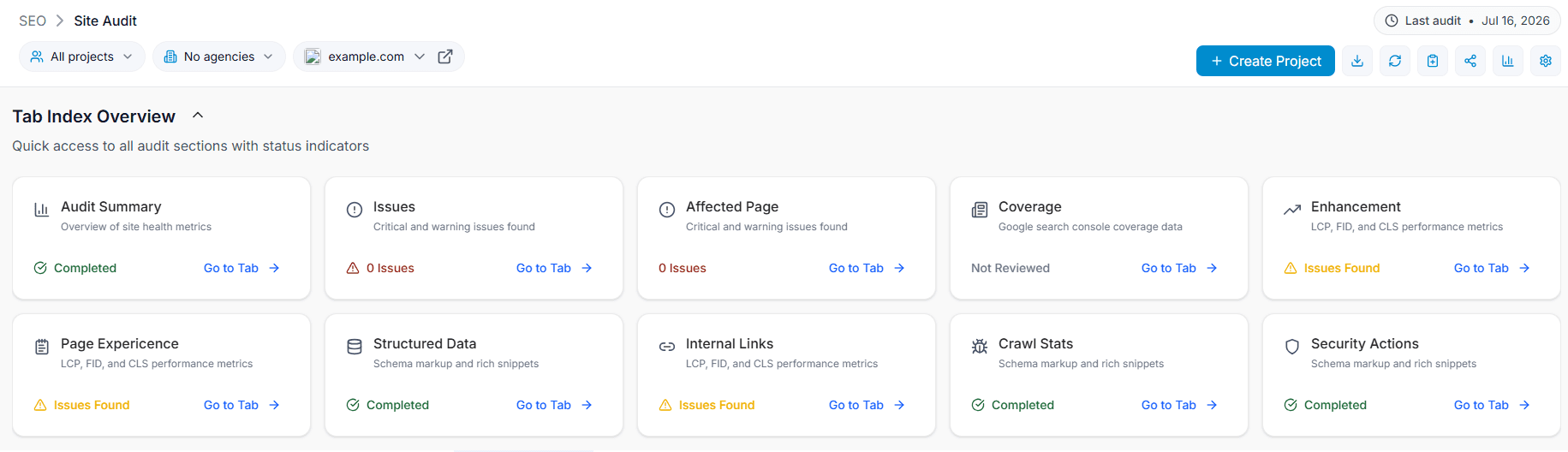
Capture: Enhancements tab selected within Site Audit.
Review enhancement suggestions
Browse the list of recommendations and identify the pages affected together with their priority level.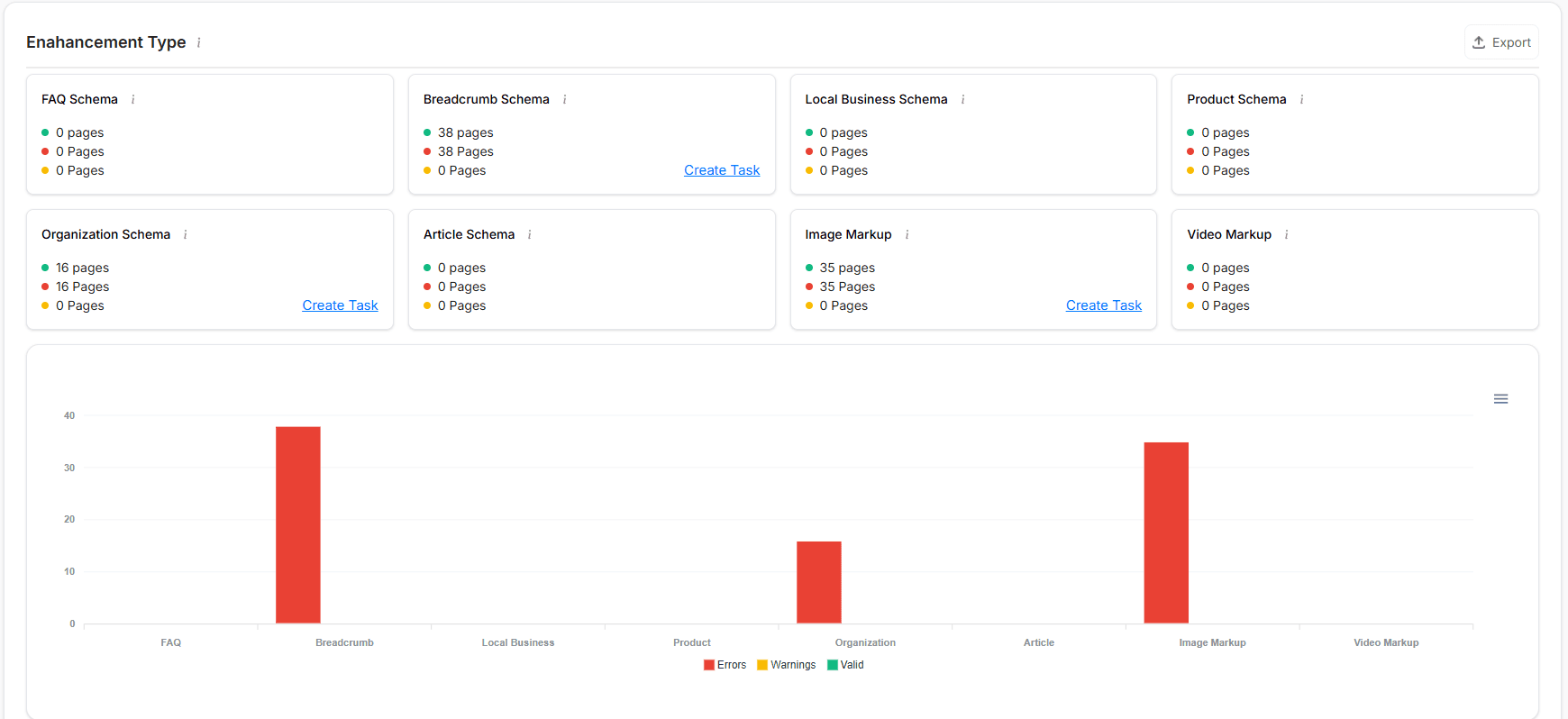
Capture: Enhancement list displaying suggestions and priority labels.
Filter recommendations
Use the Priority and Recommendation Type filters to focus on the most important improvements first.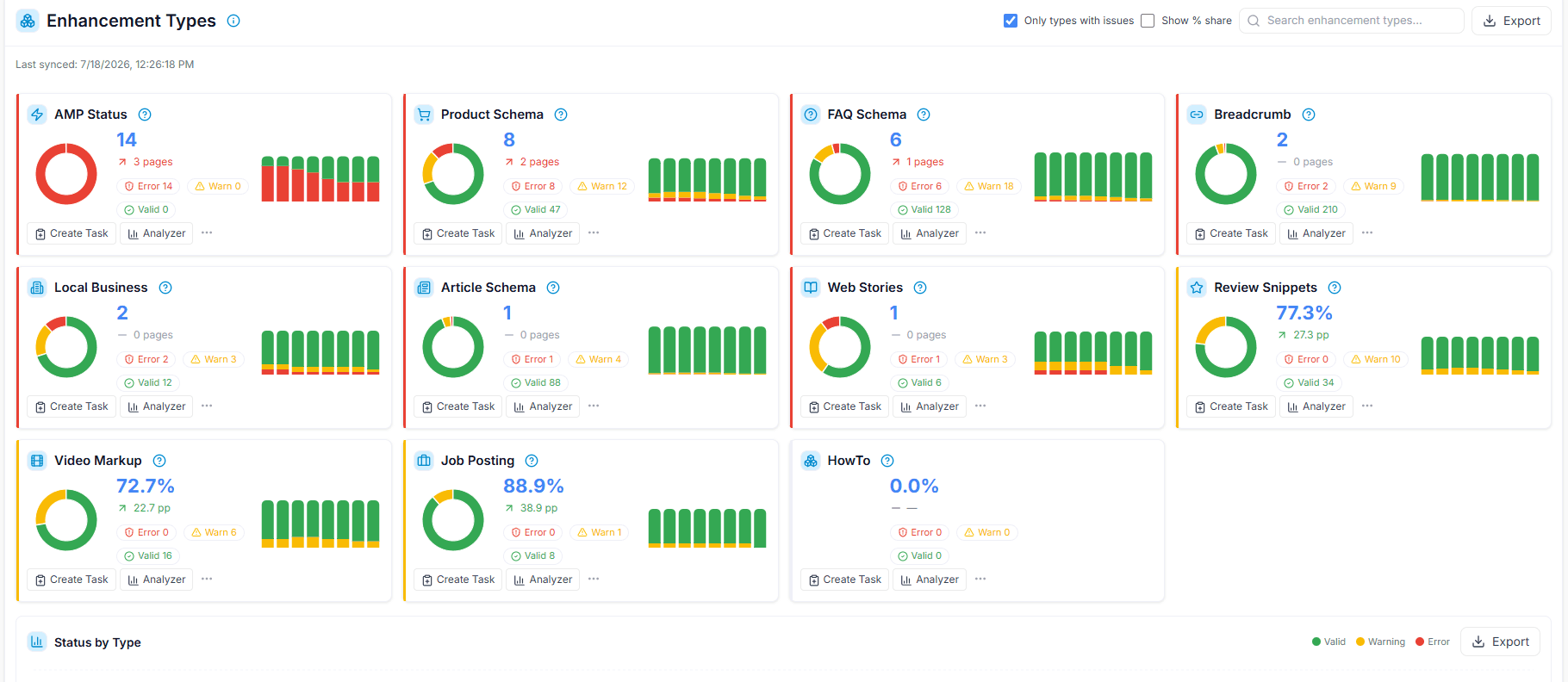
Capture: Priority and recommendation type filters.
Review implementation guidance
Click an enhancement to open the details drawer and review the implementation steps and documentation links.Assign or export
Create a task for your team or export the enhancement list as CSV for planning if the feature is available.
Capture: Create Task and Export actions.
Verify improvements
After implementing the recommendations, run another Site Audit and confirm the enhancement no longer appears.
Expected result
You'll understand which improvements should be prioritized, assign implementation work when needed, and verify completed enhancements by re-running Site Audit.
Tips & Best Practices
- Resolve critical Site Audit issues before working on enhancements.
- Start with High priority recommendations for the greatest SEO impact.
- Group similar enhancements into a single implementation sprint.
- Use the guidance links before making technical changes.
- Assign tasks with clear owners and due dates.
- Re-run Site Audit after every implementation to verify results.